Suppliers are the other half of your administration — the people you buy from. A supplier record works like a customer record, but feeds your purchase documents instead of your sales ones. Adding one is simple.
Step 1 — Open your suppliers
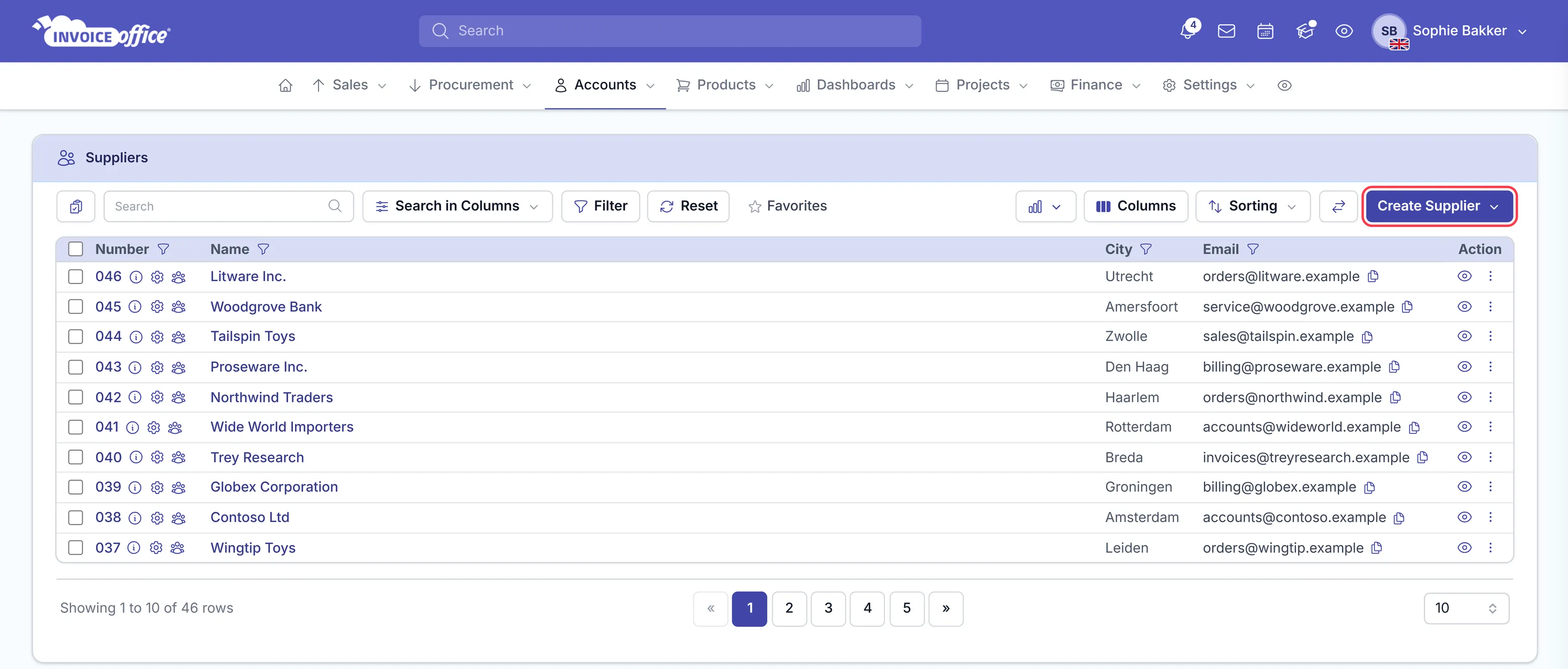
Go to Accounts → Suppliers. The menu also holds Customers, Customer Contacts and your mailing list.
Step 2 — Start a new supplier
In the overview of suppliers, click Create Supplier in the top right corner — or the plus beside Suppliers in the menu to go straight there.
Step 3 — Fill in their details
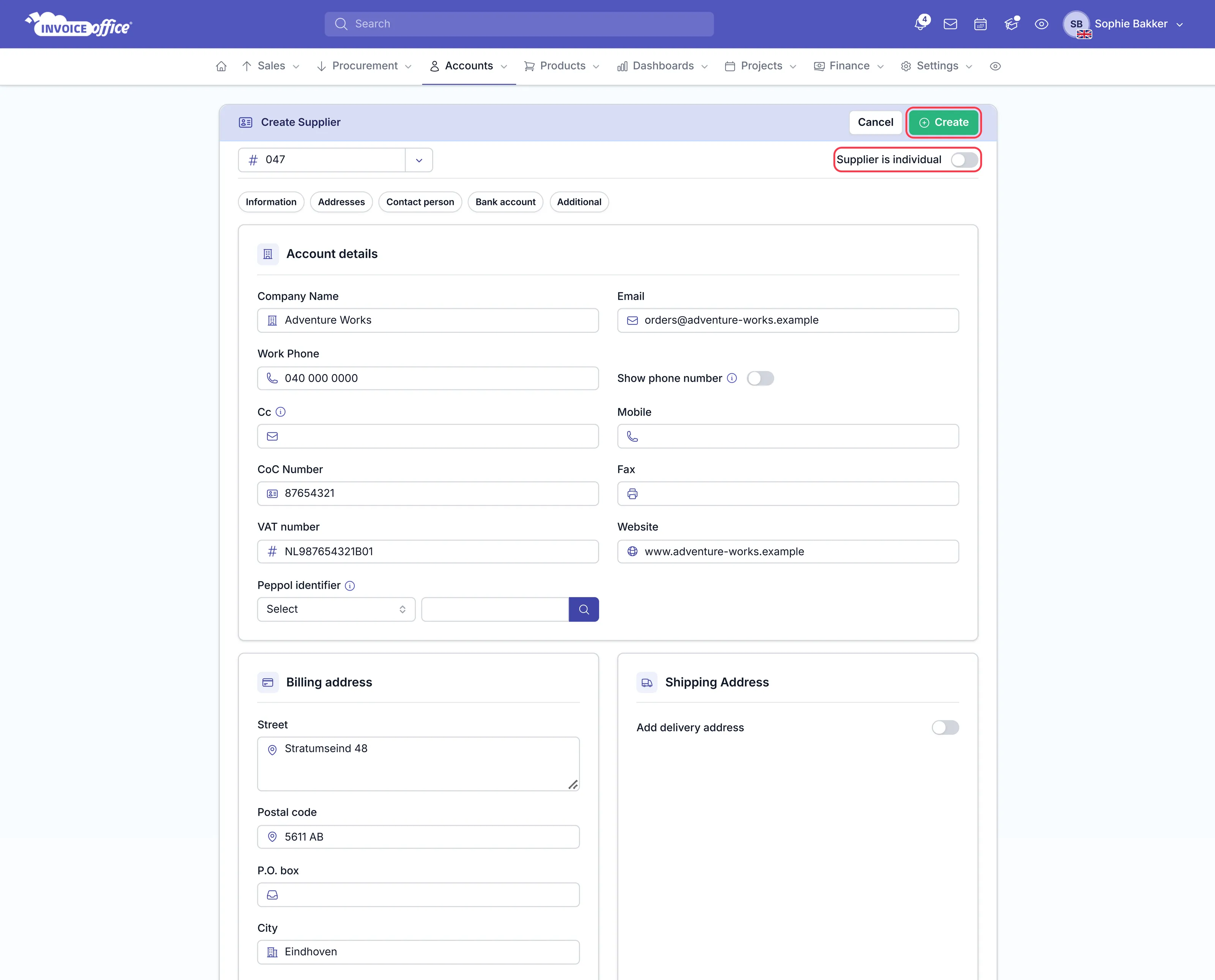
Enter the supplier’s data — company name, email, work phone, CoC number, VAT number and their billing address — then click Create in the top right.
Is your supplier a private person rather than a company? Switch on Supplier is individual at the top of the form and fill in the data for an individual.
The supplier is created and can be selected when you prepare your documents.
What you can do with a supplier
- Raise a purchase order to them.
- Register their invoices and receipts as expenses.
Bringing suppliers in from elsewhere
Suppliers and their contacts can be imported the same way customers are — see Import customers, suppliers and products.