Invoice Office can tell you whether the email carrying your invoice was delivered and whether it was opened, so “I never received it” becomes a question you can answer. You switch the two confirmations on when you send, or set them on by default.
Switch it on when you send
- On your document, choose Send e-mail with PDF, or Finalize, email and print.
- In the pop-up, open the Email settings tab.
- Turn on the toggles for Email delivered and Email opened.
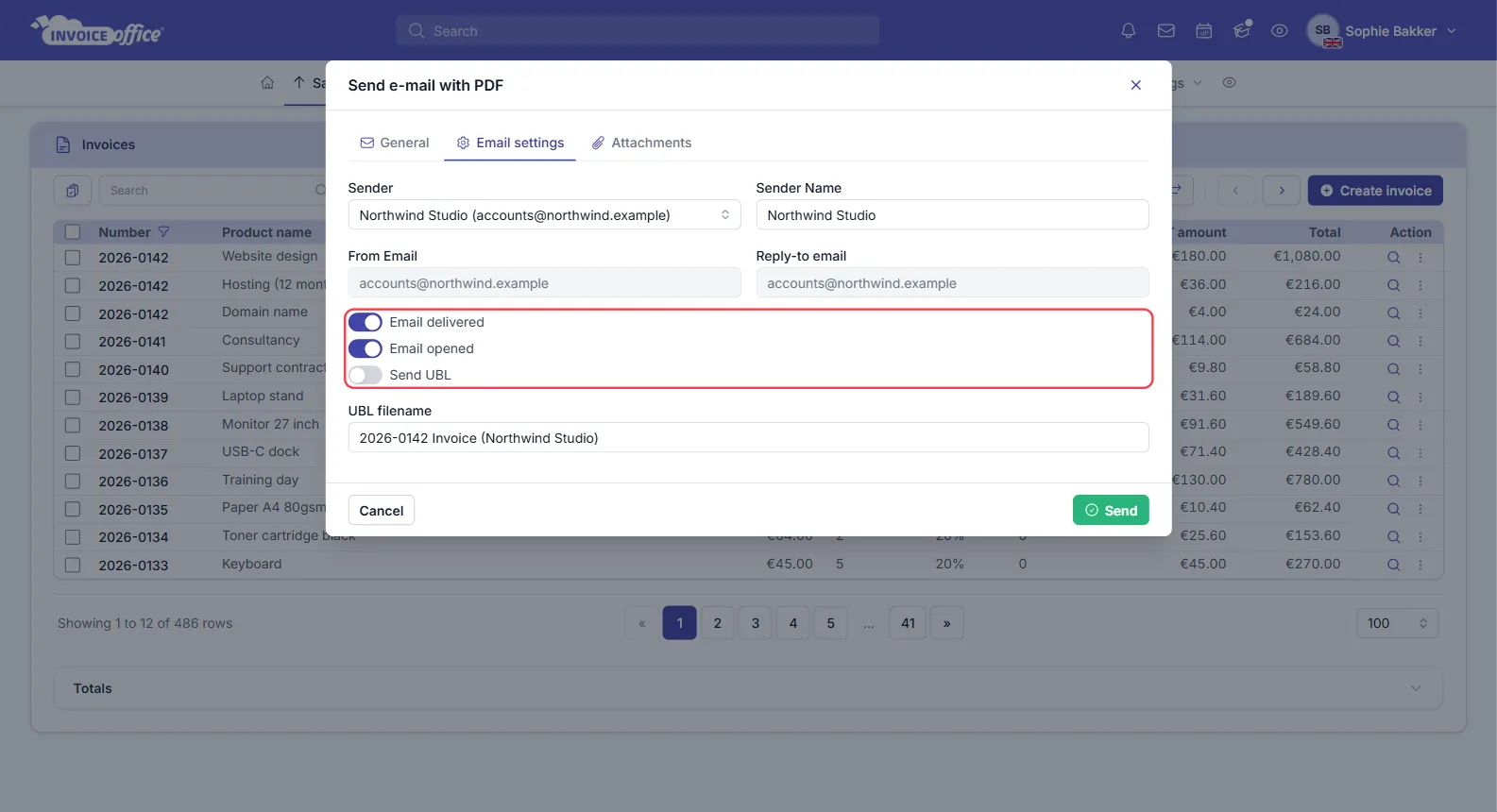
The same tab carries the sender and reply-to details and a Send UBL switch with its own filename. Send the document as usual. From then on the system notifies you when the email is delivered and when it is opened, and the result is shown against the document — see How does the viewer status icon work with sent emails.
Set it on by default
If you want the confirmations on every time, turn them on once instead of per document: go to Settings → Documents → Document design → General and switch the toggles on there. New documents then start with delivery and read confirmation already enabled, and you can still turn them off in the send pop-up for a one-off.
What the two confirmations mean
- Email delivered — the receiving mail server accepted the message. It is in their system.
- Email opened — the recipient opened the message.
Opened implies delivered, so a document showing as opened has cleared both steps.
When tracking is available
Delivery and open tracking rely on Invoice Office’s own mail server reporting back what happened to the message.
If you have configured Invoice Office to send through your own mail server, those confirmations cannot be guaranteed — your server delivers the mail directly and does not report back — so the switches are not offered. Everything else about sending works exactly the same; only the tracking is unavailable.
What the confirmations do and do not prove
- Delivered does not mean a person has seen it. The message may be sitting in a spam folder.
- Opened is detected when the mail client loads the message’s images. Many mail clients block images by default, so an invoice can be read without ever registering as opened.
Treat both as useful evidence rather than proof. An unopened invoice that is genuinely overdue is still worth a payment reminder.
Any doubts? Contact us and we will help.