With Invoice Office you can use your own customised document design for your invoices. Every invoice carries one — it decides the logo, the layout, the columns, the labels and the footer that end up on the PDF.
Which design an invoice uses
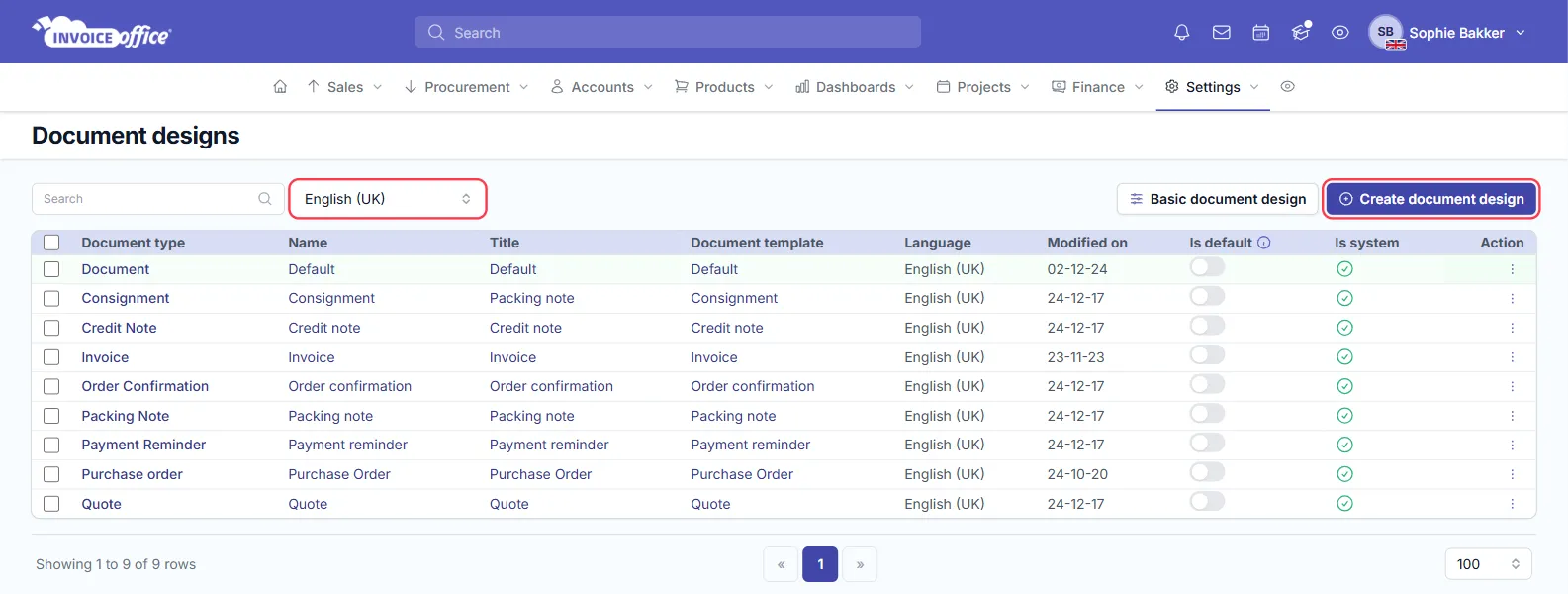
You rarely pick one by hand. An invoice takes its design from three things, in this order:
- The design set on the customer, if they have one — see Choose a design template per customer.
- The document type. Invoices use the invoice design, quotes the quote design, and so on: your designs list holds one per type, and the one with Is default switched on takes precedence.
- The language. Designs are held per language, so an invoice in French uses your French design without you selecting anything.
Change it on the invoice
An invoice’s own Document design setting lives in the document settings panel — the Settings button in the invoice card’s header, beside Action, Preview, Save and Finalize. Change it there and the invoice is rendered with that design instead.
Preview before it goes out
Preview in the invoice header renders the real PDF, with the design applied. Use it before finalising rather than after: a design problem is much cheaper to fix while the invoice is still a draft. See Create an invoice for the rest of that form.
Save
Once everything is filled in, save the invoice — the design is stored with it, so a later change to the design does not silently rewrite documents you have already finalised.
Always the same design for one customer
If a particular customer always needs a particular design, set it on their record instead of picking it by hand each time — see Choose a design template per customer.